Google Shopping पर अपने E-Commerce Products कैसे List करें?
About this video
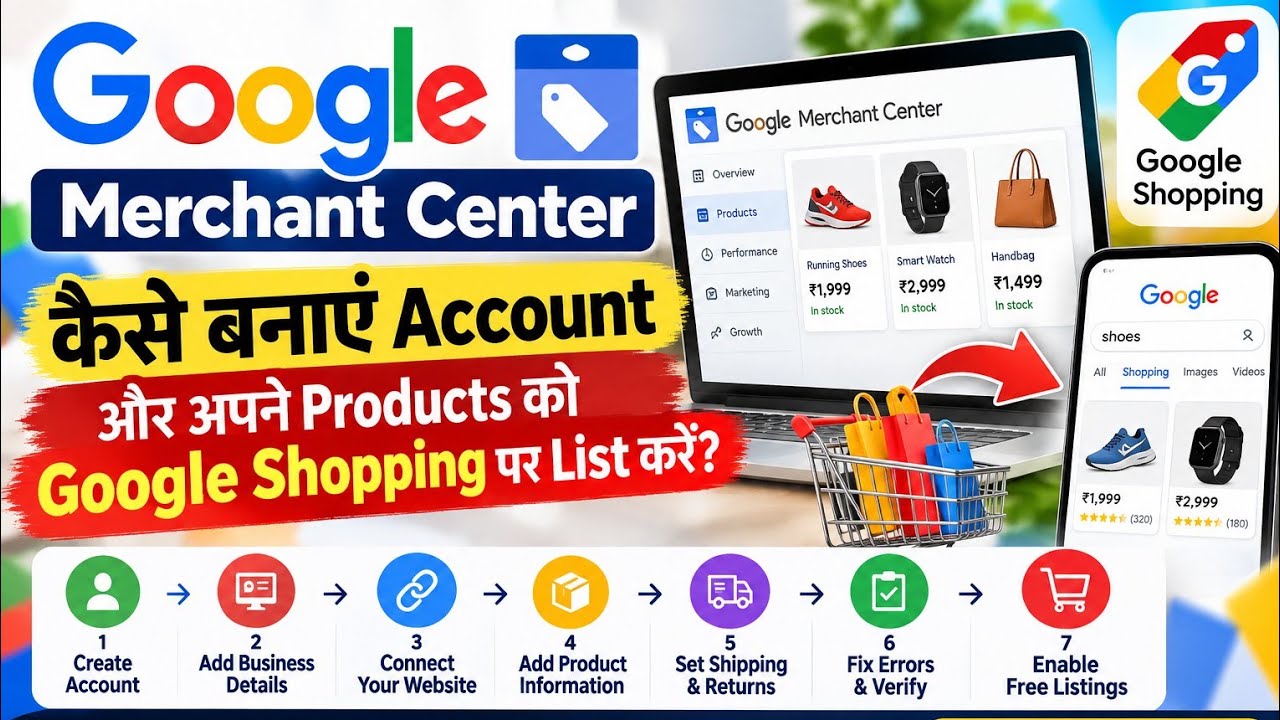
Setting up an e-commerce store is only half the battle; ensuring potential buyers discover your inventory is where real revenue begins. Rather than relying exclusively on paid ad spend, digital merchants can showcase their entire product catalog directly across Google Search, Google Images, Google Maps, and the dedicated Google Shopping tab at zero platform cost. Following technical e-commerce integration frameworks formulated by apensia.in, this step-by-step guide details how to leverage Google Merchant Center to gain organic product visibility and sidestep standard account suspensions.
- Foundation: Account Setup, Verification, and Claiming
Google Merchant Center serves as the central control panel that translates raw store inventory into search results. Creating an account begins at merchants.google.com, where business information—legal name, official address, and tax identification—must strictly mirror official government records, such as an Indian GST registration certificate.
Completing setup requires clearing two foundational hurdles:
Domain Verification: Validating that you own the digital property via an HTML meta tag or linked Google Analytics account.
Domain Claiming: Associating that verified address exclusively with your designated Merchant Center ID. Both indicators must display active green badges before product data can be processed.
- Building the Dynamic Product Feed Bridge
Connecting products no longer requires tedious manual entries. Modern store architectures sync catalog variations, imagery, stock levels, and pricing automatically:
WooCommerce: Utilize the official Google for WooCommerce integration plugin.
Shopify: Connect the Google & YouTube sales channel app directly within Shopify Admin.
Custom Frameworks: Implement automated scheduled XML/CSV data feeds or structured Google Sheets templates updated dynamically via API.
- Preventing Common Product Rejections
Google enforces strict merchant quality standards. Most automated disapprovals stem from four critical oversights:
Price & Tax Mismatches: The price transmitted via your feed must mirror the landing page and the final checkout amount, including applicable taxes (such as GST). Extra hidden fees added during checkout trigger instant automated disapprovals.
Missing Barcodes: Standard consumer items require authentic GTINs/UPCs. Small-batch or handmade items without barcodes must pair custom SKU codes with brand identifiers rather than leaving fields empty.
Incomplete Return Policies: Store footers must feature a crawlable, public return policy specifying a clear return window (minimum 30 days recommended), item condition guidelines, step-by-step instructions, and exact refund turnaround times.
Unsubstantiated Medical Claims: Health and cosmetics products must steer clear of unverified terms like "cure" or "clinically proven" without certified clinical documentation.
Once submitted, catalogs progress through review within three days and typically complete full live indexation across Google Shopping within seven days.
Questions this video answers
Is listing products on Google Shopping completely free?
Yes, through Google Merchant Center's organic listings program, e-commerce retailers can showcase products on Google Search, Images, Maps, and the Shopping tab with zero ad spend.
What is the difference between verifying and claiming a website in Google Merchant Center?
Verifying confirms that you legally own the website domain via code or analytics tags, while claiming links that specific verified domain exclusively to your Merchant Center account.
Why do products get rejected on Google Shopping?
Common causes for rejection include price and tax mismatches at checkout, missing GTIN/barcode fields, vague or missing refund policies, and unproven health or medical claims.